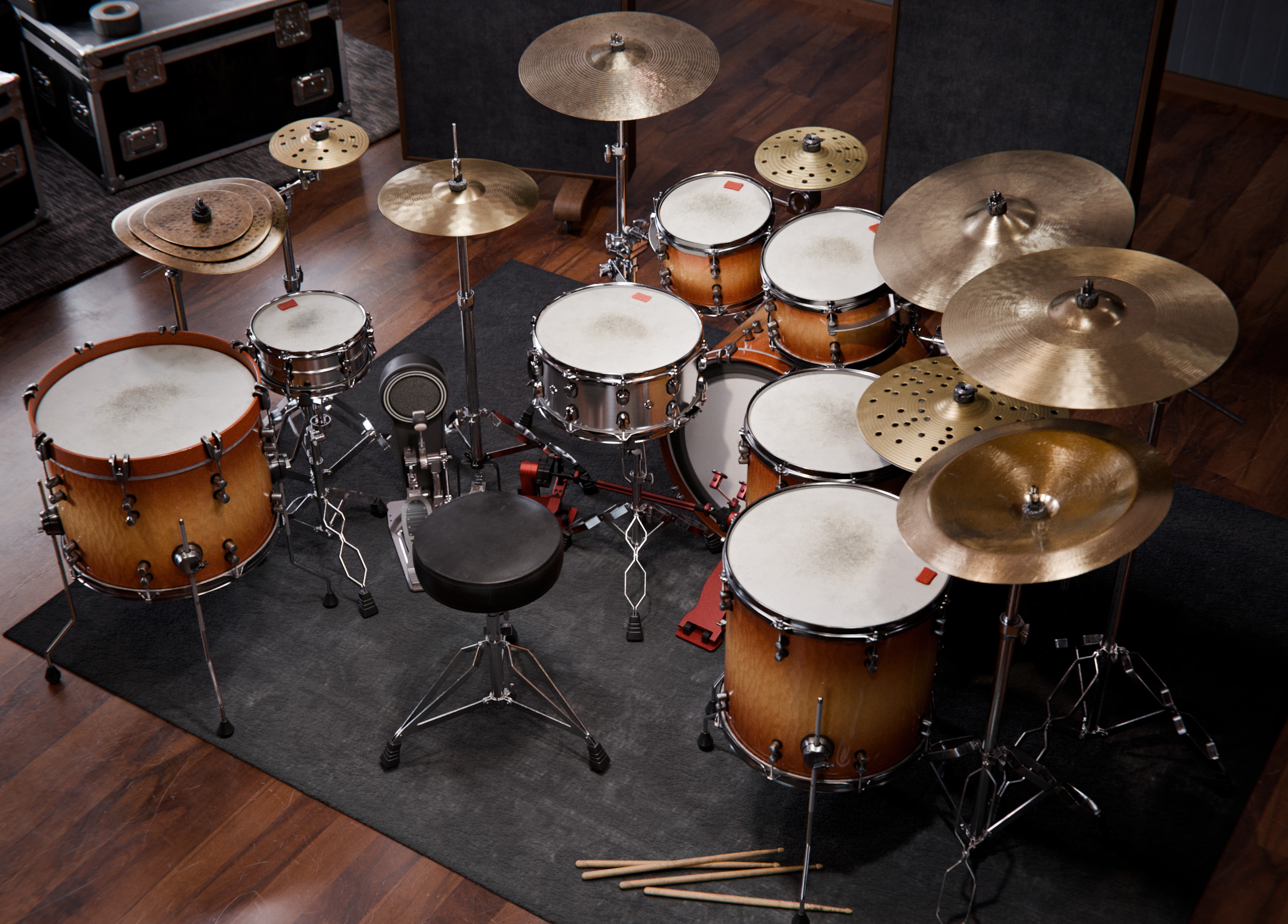
The Player
Simen Sandnes
Fluid, expressive, and unmistakably his own. Progressive Prodigy starts with Simen’s personal kit and the character of his playing.

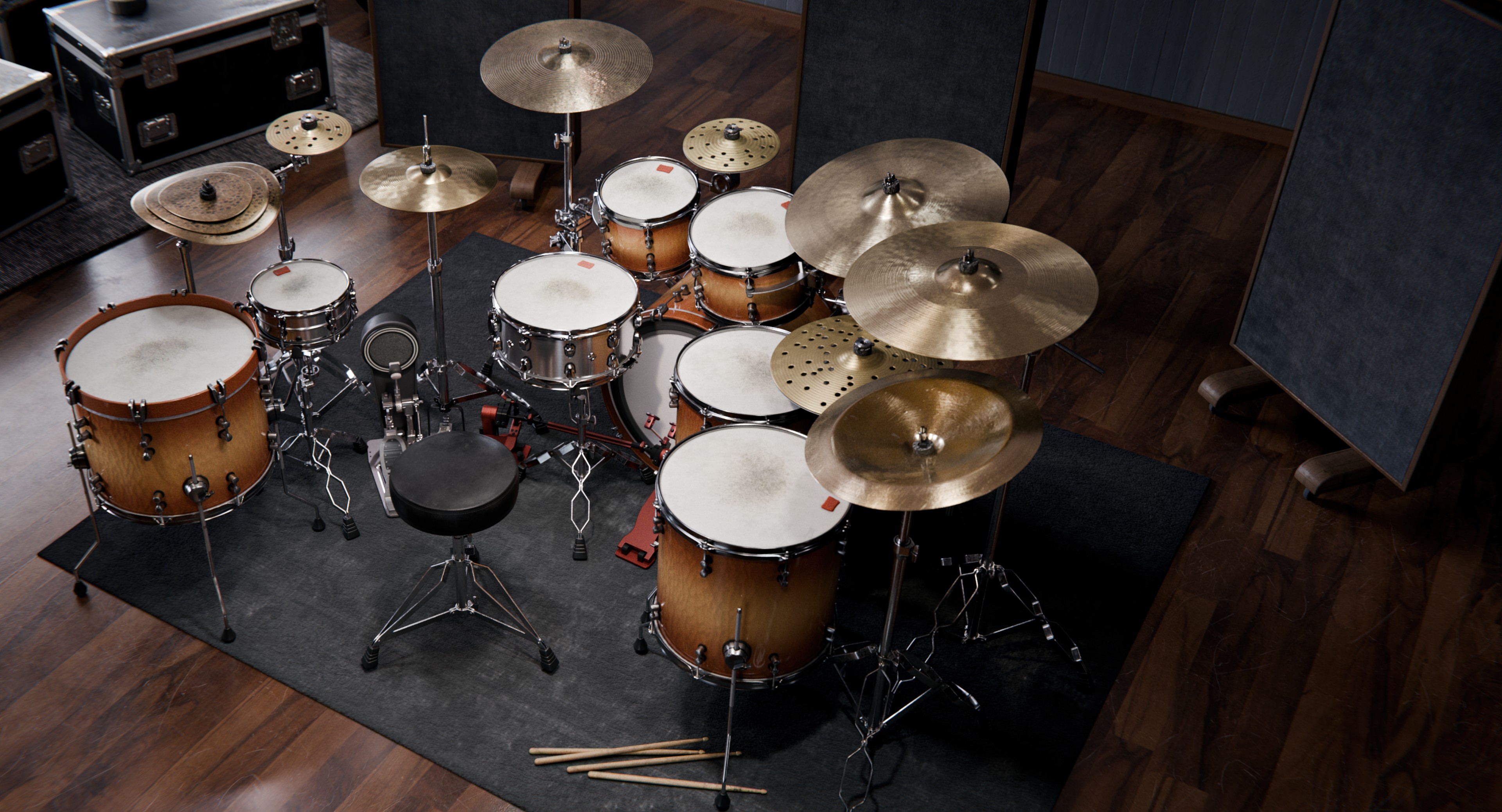
Simen Sandnes Signature
Built around Simen Sandnes’ personal kit and engineered by Jakob Herrmann at Top Floor Studios, Progressive Prodigy delivers the energy and realism of modern progressive drumming in a virtual instrument. From mix-ready presets to complete control of every detail, it adapts to your workflow so you can create without compromise.
The energy and realism of modern progressive drumming, built around Simen Sandnes’ personal kit.
Own the Kontakt version? Crossgrade for $20. Use code PROGRESSIVEXGRADE at checkout with the email you bought it with.
Progressive Prodigy offers both mix-ready results and the flexibility to craft your own sound. From start to finish, it’s designed to support your entire creative process.
Kit 1 of 6
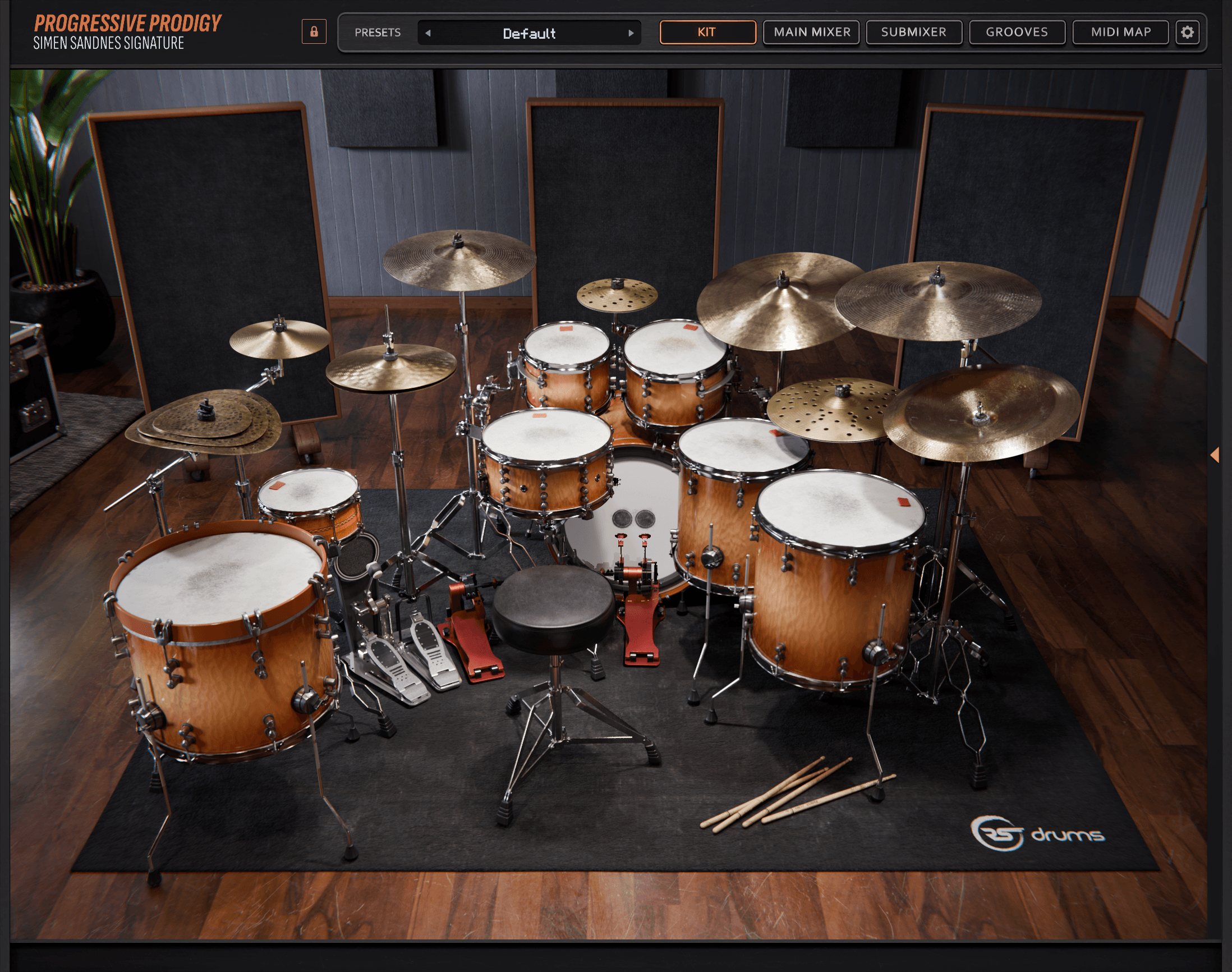
Kit, 1 of 5
Find a feel and start writing.
Curated from clean and dynamic to aggressive and atmospheric.
Bring your own sounds into the mix.
AAX, AU, VST3, and a standalone app.
From the room, 1 of 4
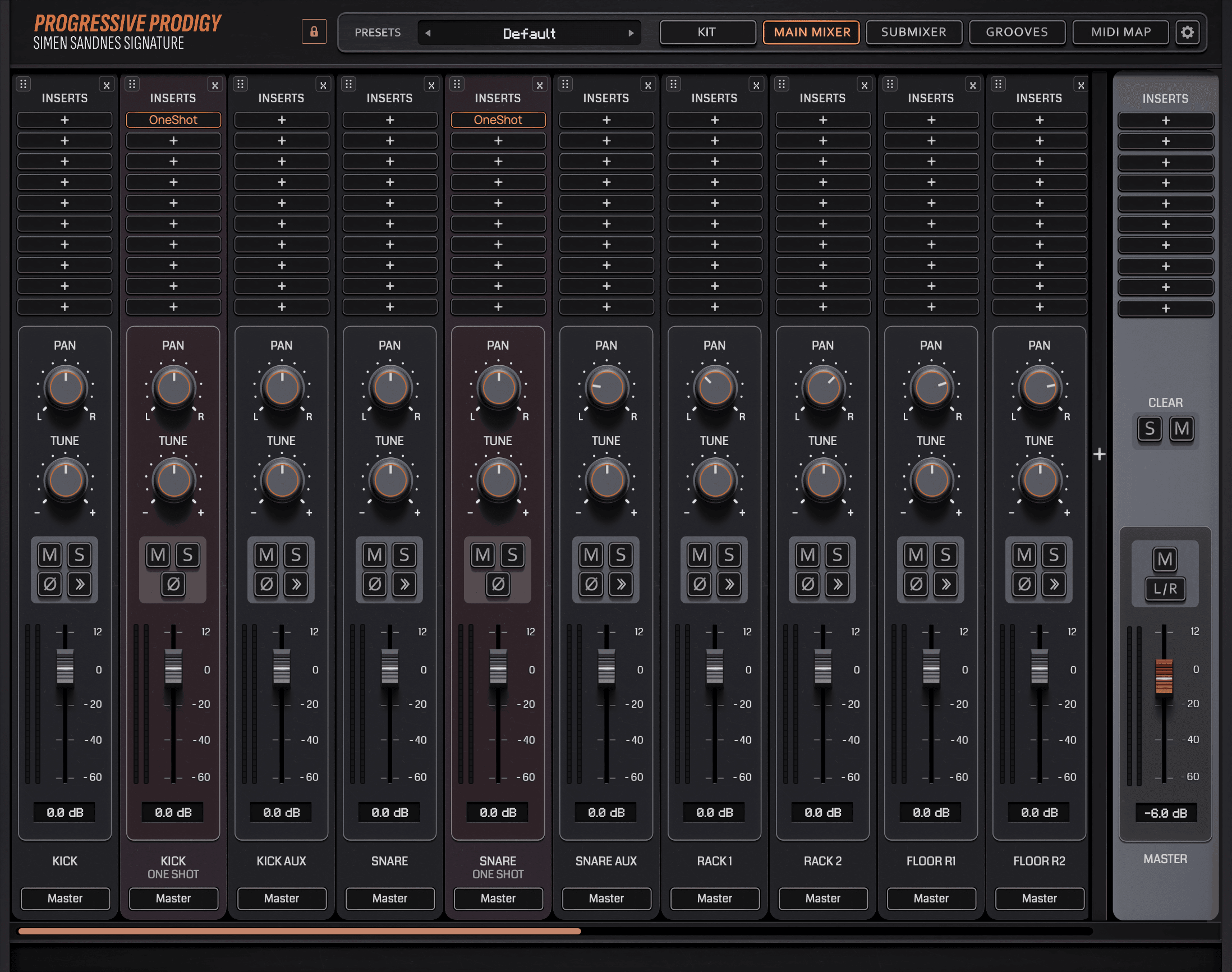
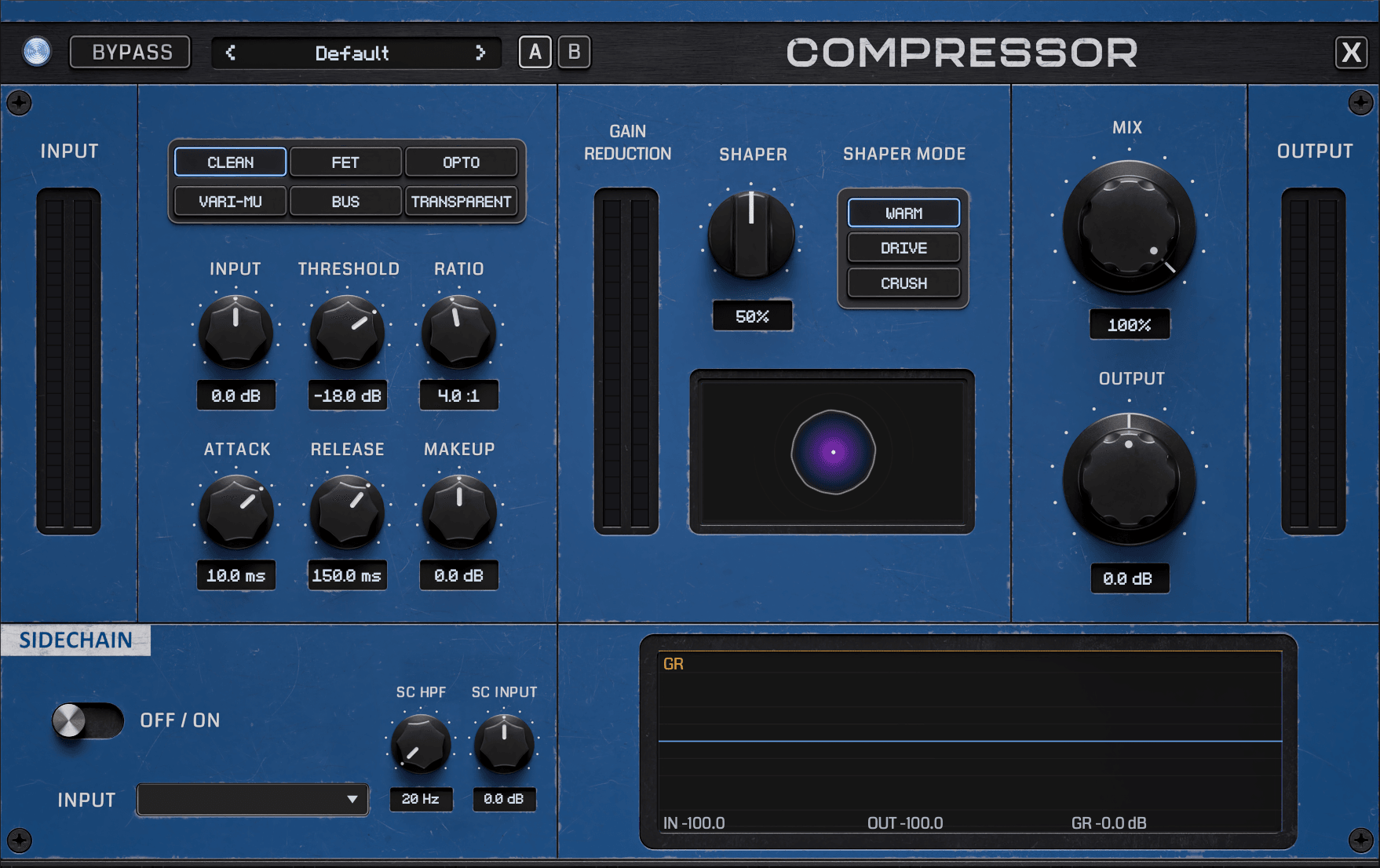
Control the punch and sustain of each drum. Keep the initial hit sharp, bring out the body, or tighten an uneven performance with the compressor right on the channel.
Refine the low-end weight, reduce a ringing frequency, or bring forward the attack. Shape individual channels so the kit works with the rest of your arrangement.
Adjust the balance between the initial strike and what follows it. Bring a drum forward with more attack, or reshape its sustain for a tighter part.
Choose from the built-in kick and snare one-shots or load your own, and layer them alongside the kit. Reinforce a kick, add a different snare texture, or try a layer that gives the track its own identity.
Ten bands, each with its own frequency, Q, and gain, plus high-pass and low-pass filters with adjustable slopes. Make broad tonal moves or precise cuts anywhere in the spectrum.
Catch the peaks of a hit and add a touch of color. Choose from six clipping modes, including hard, tube, tape, and FET, and set the ceiling and hardness to suit the part.
Fine-tune every element of the kit with envelope controls for Attack, Hold, and Decay. Pull the sustain in for a tight, snappy feel or open it up for massive, ringing hits.
A simple level control with its own output meter. Trim a hot channel or bring a quiet one up at any point in the chain.
Keep peaks under a ceiling you set. Choose from six limiting modes, including brickwall, true peak, and vintage, and shape the result with attack, release, and mix.
Split the channel into four bands and compress each one on its own, with threshold, ratio, attack, and release for every band. Control a boomy low end or tame harsh highs without touching the rest.
Add weight underneath the dry signal with parallel compression. Choose from six styles, including punch, glue, and crush, then add saturation and blend it in with the mix control.
Add harmonic life to a channel, from a light touch to a heavier edge. Shape it with drive, bias, color, and style controls, plus high-pass and low-pass filters to keep it focused.
Place a drum in a space with convolution reverb. Adjust the decay, pre-delay, size, and width, filter it with low and high cuts, and balance it with separate dry and wet controls.
Send the channel to up to three other channels in the mixer, each with its own level, pan, mute, and pre or post fader setting. Build a parallel chain or a shared effect without leaving the plugin.
Compression 1 of 14
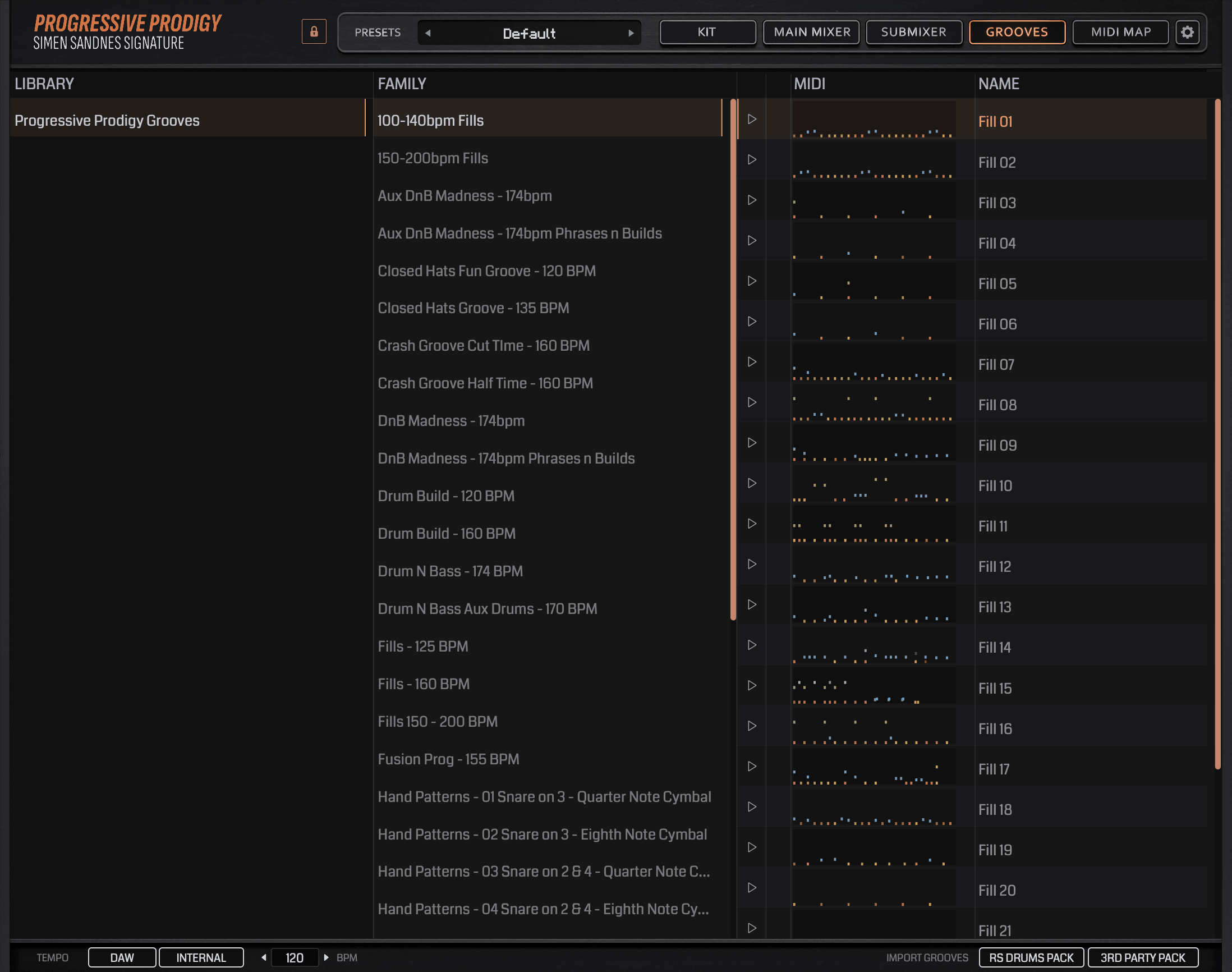
Browse grooves and fills by family, and import RS Drums or third-party packs easily.
In the standalone app, drag grooves straight into the timeline or record MIDI into it directly.
Build complete drum parts for your songs right inside the standalone app, no DAW needed. Drag in grooves from the Grooves page, import audio, and mix it all in the Main Mixer.
Edit any groove note by note in the standalone app’s MIDI editor. Each articulation has its own row, with every note’s velocity below.
Browse grooves and fills by family, and import RS Drums or third-party packs easily. 1 of 4
The built-in Groove Player is designed to keep your ideas moving. With over 400 grooves and fills written by Simen, you can browse, preview, and drag patterns directly into your DAW. It’s an easy way to spark inspiration, sketch out arrangements, or build complete drum parts without ever breaking your creative flow.
Load kit pieces from other RS Drums libraries you own straight into Progressive Prodigy. Search all your libraries at once, filter by size, and see each piece’s mics, round robins, and articulations before you choose. It cross loads the snares from our drum sample packs too.
Layer the new piece with the one already in the kit, or replace it. Or give it a custom slot of its own, which plays on its own note and has its own strip in the Sub Mixer.
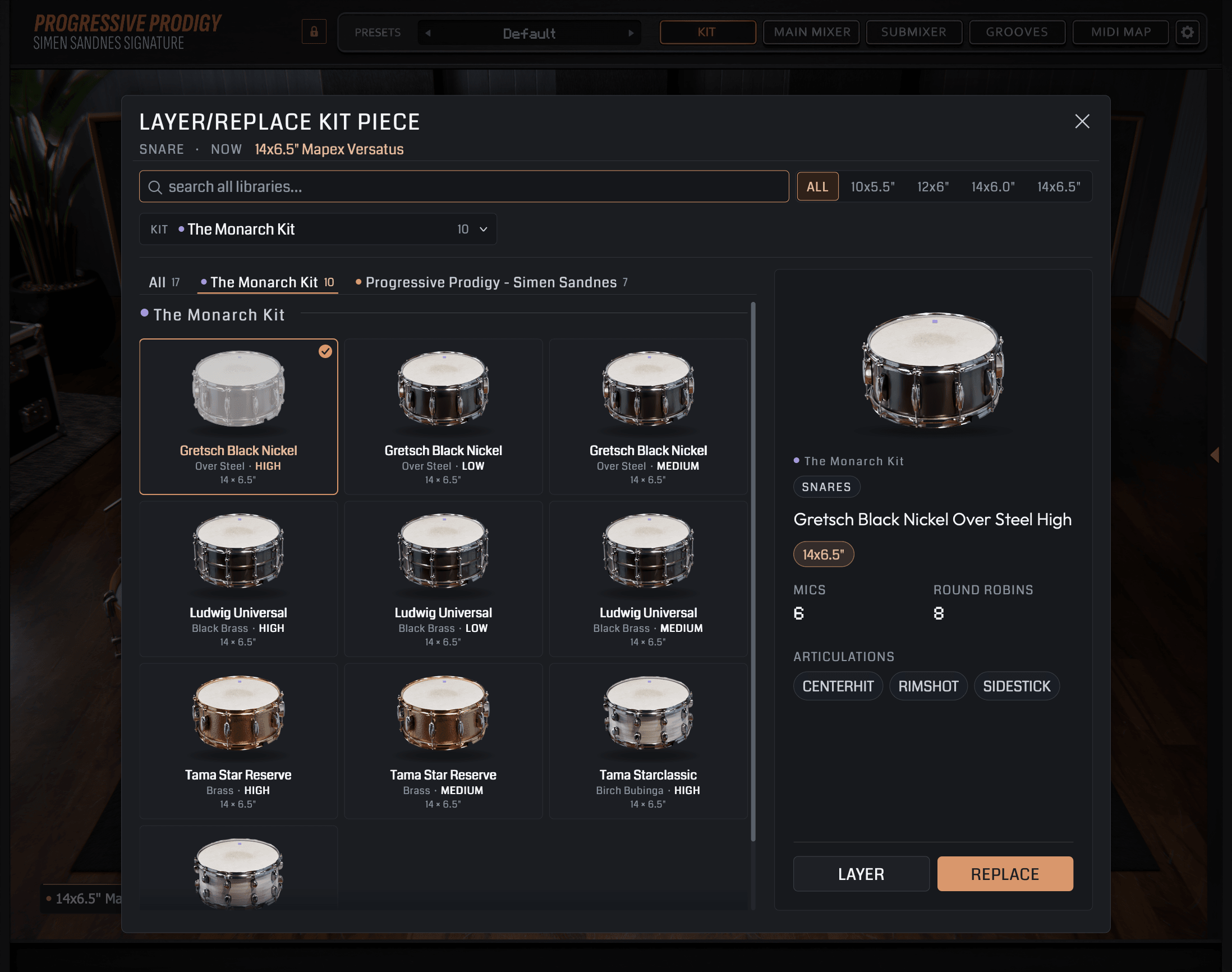
Search your RS libraries, then layer the piece or replace it.
The Monarch Kit’s Tama Star Reserve Brass Medium snare, loaded into Progressive Prodigy.
The SLP Brass Cranked snare from Modern Metal Snares Vol. 3 drum sample pack, cross loaded into Progressive Prodigy.
The snare menu, with a cross-loaded snare beside the kit’s own.
Each custom slot plays on its own note, with its own strip in the Sub Mixer.
Search your RS libraries, then layer the piece or replace it. 1 of 5
Progressive Prodigy works smoothly with electronic drum kits, the result of extensive research and testing. It all went into making the connection between the software and your real hardware feel fluid and natural.
Its hi-hat calibration reads your hi-hat across five zones, from tight closed to large open, whether your module sends two hi-hat notes or four. Mute or choke each cymbal with its own decay, give every articulation up to two notes, learned straight from your kit, and set a velocity curve for every piece.
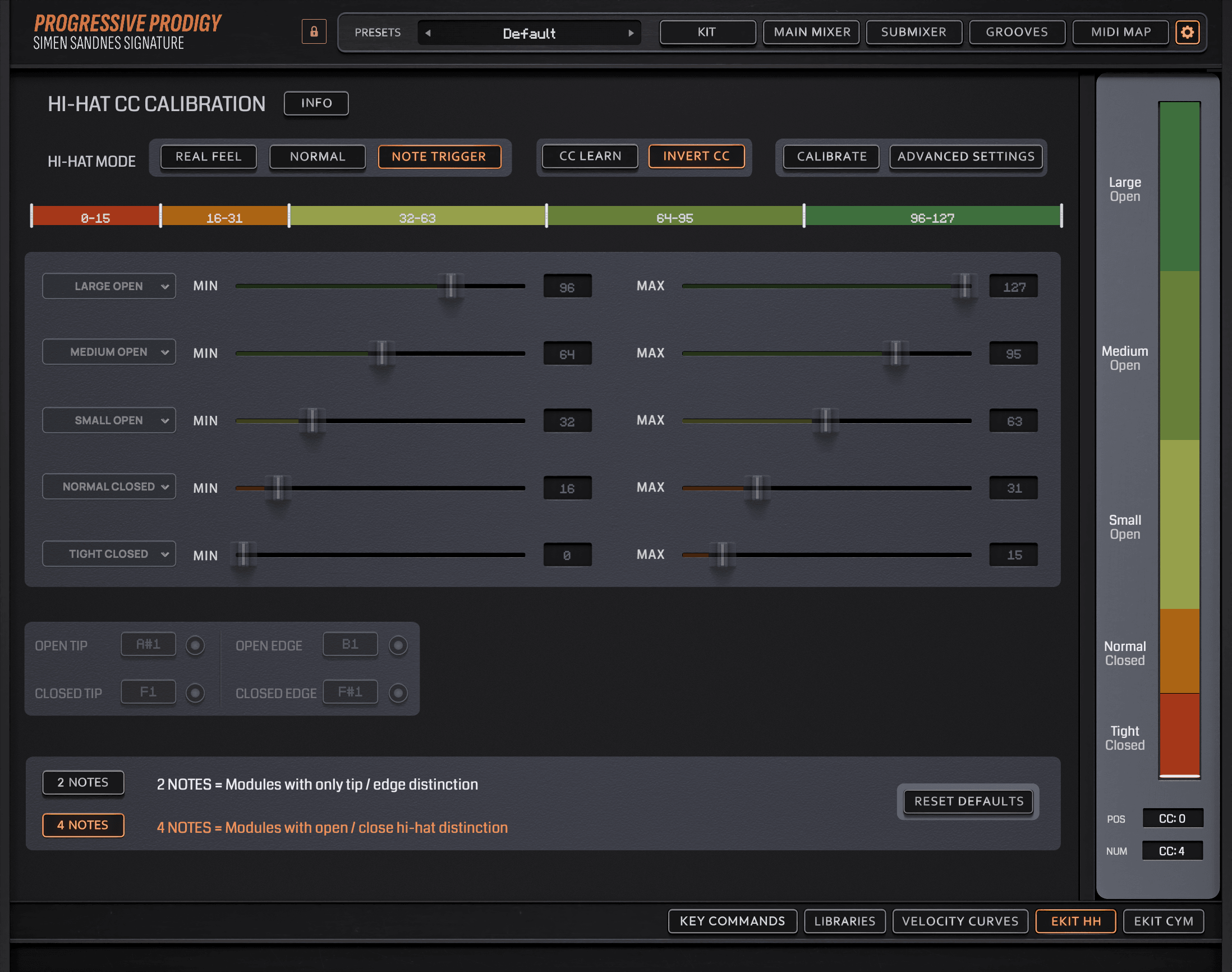
Hi-hat calibration across five zones, from tight closed to large open.
Cymbal mute and choke, with a decay for each cymbal. Adjust them until they feel natural for your playing style.
Map up to two notes to every articulation, and learn them from your kit.
A velocity curve for every piece, and a master curve. Use them to dial in the dynamics to your playing style.
Hi-hat calibration across five zones, from tight closed to large open. 1 of 4
The PlayerFluid, expressive, and unmistakably his own. Progressive Prodigy starts with Simen’s personal kit and the character of his playing.
 The Studio
Captured in Gothenburg with Jakob Herrmann. A collaboration built around the instrument, the performance, and the sound of the room.
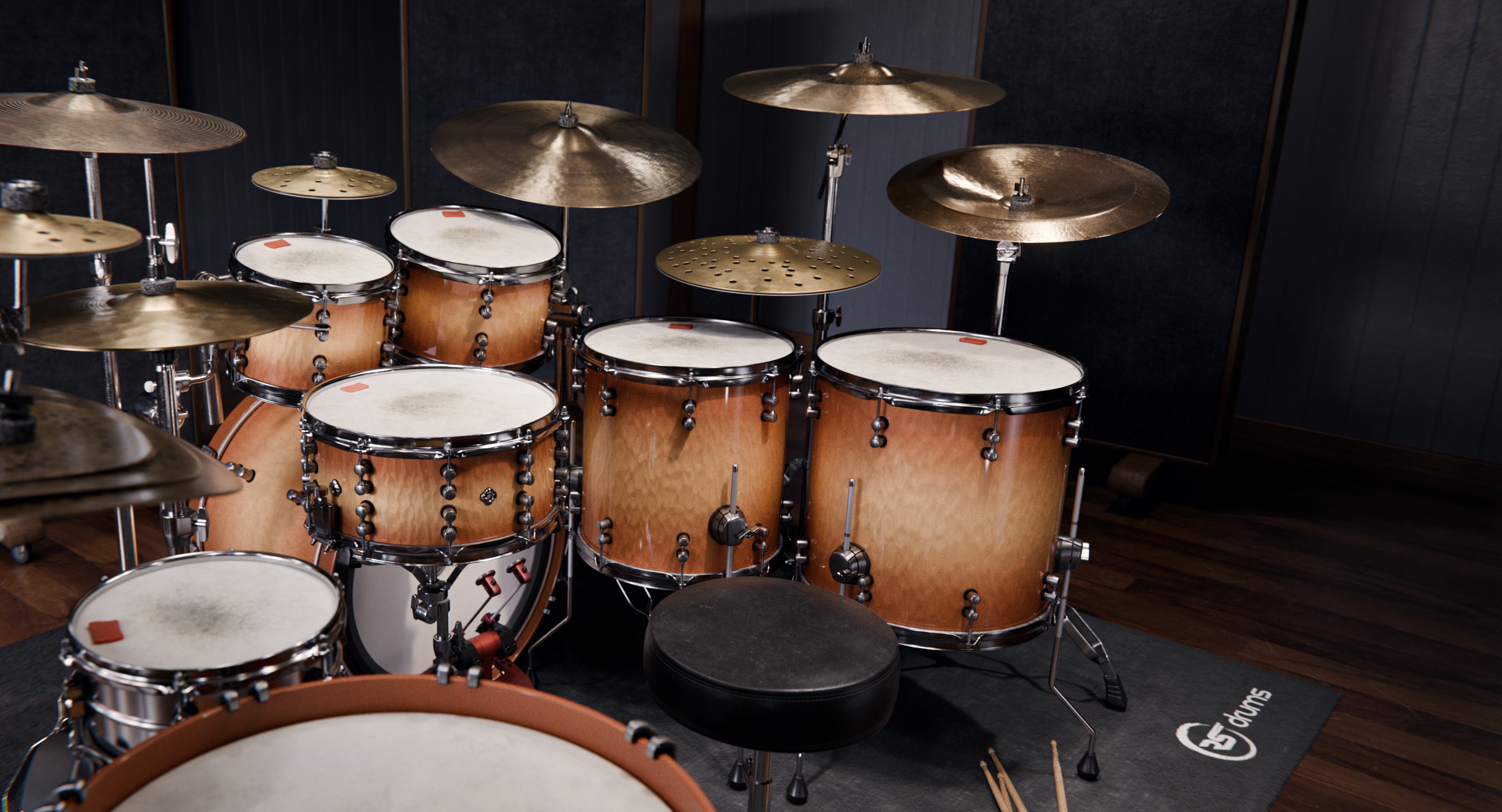
A dedicated drum instrument for your studio.
Use it in your DAW or play standalone.
AAX / AU / VST3 / STANDALONE